
Loading story…
Microsoft’s January 2026 Patch Tuesday release for Windows 11 (notably KB5074109 for 24H2/25H2) delivered roughly 100+ security fixes (including reported zero-days) but also introduced significant reliability regressions. Reported impacts include system lockups, black screens on systems with Nvidia/AMD GPUs, graphics-related hangs in GPU/DirectX-intensive applications, and application failures such as Outlook Classic freezing or failing to launch; additional issues were reported with File Explorer behavior and cloud-backed storage workflows (e.g., OneDrive/Dropbox) causing apps to become unresponsive when saving or syncing data.

See real exploitation activity before you spend the cycle.
6 events from the most recent confirmed update back to the earliest known activity.
By January 26, 2026, Microsoft had released another emergency out-of-band update to fix the underlying cloud storage save issue that caused Outlook Classic and other applications to freeze. Unlike typical out-of-band patches, this fix was set to be delivered automatically through Windows Update.
By January 26, 2026, Microsoft said it was urgently investigating severe boot failure reports tied to KB5074109, including boot loops, black screens, and stop code 0xED (UNMOUNTABLE_BOOT_VOLUME) on physical devices. Affected users were advised to use the Windows Recovery Environment to uninstall the update and restore access.
By late January 2026, Microsoft had publicly acknowledged unresolved issues tied to the January update, including Outlook Classic freezing and application unresponsiveness when working with files stored in OneDrive, Dropbox, or similar cloud services. Microsoft published mitigations such as moving Outlook PST files off OneDrive and using rollback or uninstall workarounds.
On January 17, 2026, Microsoft released emergency update KB5077744 to address credential prompt and Remote Desktop authentication problems affecting Azure Virtual Desktop, Windows 365, and Cloud PC connections. The patch also addressed a Windows 11 Secure Launch shutdown and hibernation restart issue.
After KB5074109 was installed, users began reporting major regressions including system lockups, black screens, graphics-related hangs, Outlook Classic freezes, mail sync problems, and application errors when opening or saving files to cloud-backed storage such as OneDrive or Dropbox. Some reports also described app launch failures and boot problems on affected physical devices.
On January 13, 2026, Microsoft released the Windows 11 January security update KB5074109 for versions 24H2 and 25H2. The update included more than 100 security fixes, including zero-day and in-the-wild vulnerability fixes, along with non-security changes.
Vulnerabilities, threat actors, malware, products, organizations, and breaches Mallory has linked to this story.
See real exploitation activity behind this advisory so you can triage it against everything else in the queue.
4 references tracked. Mallory keeps watching after this page renders.
securityonline.info
Open sourcecybersecuritynews.com
Open sourcezdnet.com
Open sourcecybersecuritynews.com
Open sourceMap indicators from this story to your assets and identify affected systems in minutes.
Every observed campaign, victim, and pivot linked to actors named in this story.
Malware, exploits, and IOCs connected to the activity described here.
YARA, Sigma, and Snort rules deployed to your SIEM as soon as they’re published.
Get matching new stories delivered to your team as they break — not the next morning.
Ask questions about this story and take action on the answers.
Other stories Mallory is tracking that overlap on entities, sources, or topic labels.
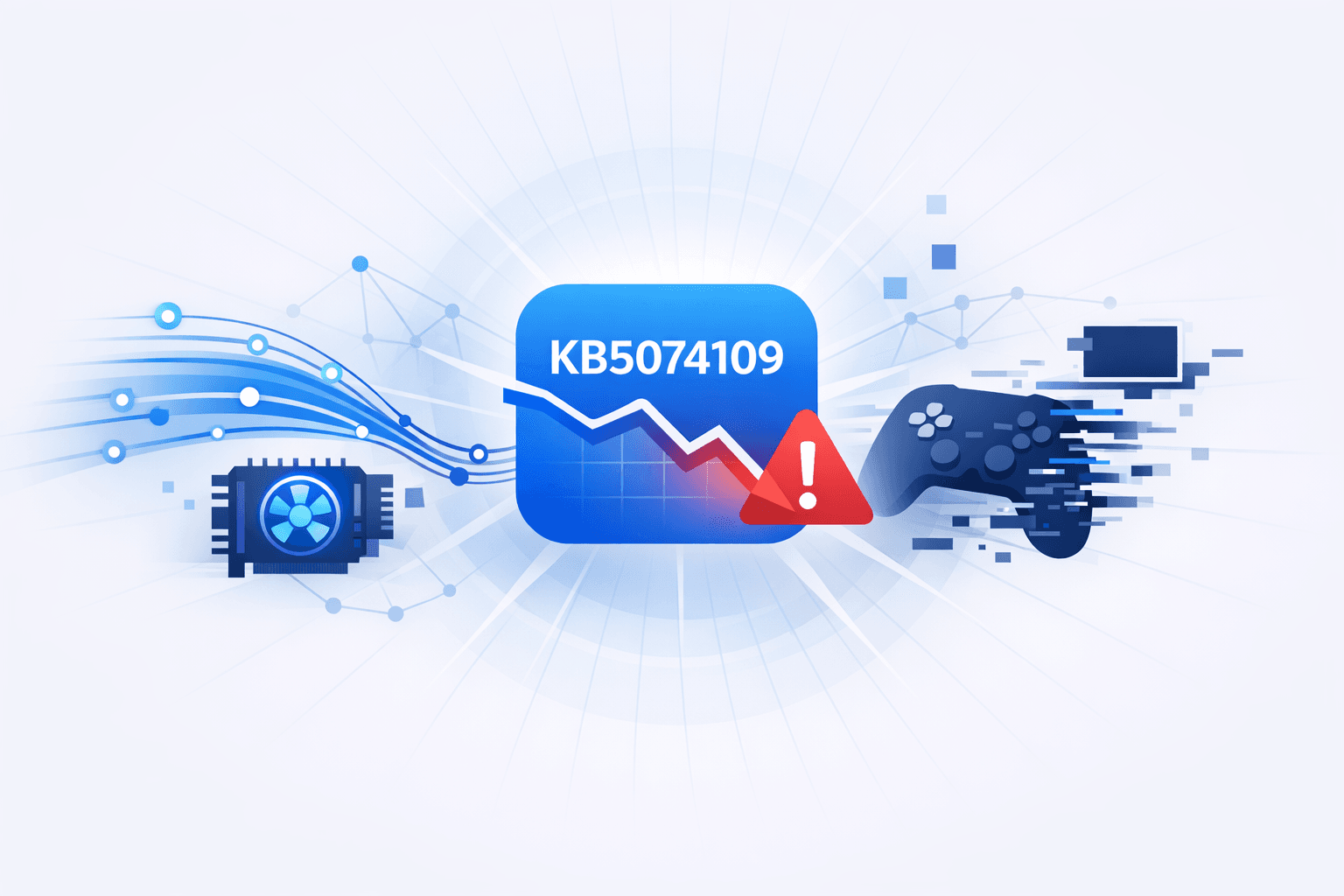
Microsoft’s January Windows 11 cumulative update **KB5074109** has been linked to gaming performance degradation and instability on systems using **NVIDIA GeForce** GPUs, with users reporting **15–20 FPS drops**, **black screens**, and **visual artifacting** after installation. NVIDIA acknowledged the issue publicly via its GeForce forums, stating it is investigating and that uninstalling `KB5074109` appears to be the only effective temporary mitigation; some users also report that installing Microsoft’s latest optional updates may resolve the problem without removing the security update. The update is described as **security-critical** (reported as addressing **114 vulnerabilities**), creating a tradeoff between stability and exposure if the patch is removed. Separately, Microsoft has been issuing multiple **out-of-band (OOB)** fixes following January Patch Tuesday to address regressions (e.g., Remote Desktop credential prompt failures and Outlook Classic `.pst` access issues on cloud storage) and also shipped an OOB fix for an Office zero-day (**CVE-2026-21509**, a security bypass), underscoring a broader pattern of post-release remediation activity around the January patch cycle.
Jul 12, 2026
Microsoft’s January 2026 Windows security updates introduced regressions that disrupted enterprise endpoints, including **Remote Desktop authentication failures** affecting access to *Azure Virtual Desktop* and *Windows 365*. After installing `KB5074109` on specific Windows client builds (noted as Builds **26200.7623** and **26100.7623**), users reported repeated credential prompt/sign-in failures in the **Windows App**, preventing successful remote session establishment; Microsoft acknowledged the issue and issued an **out-of-band** update intended to restore normal Remote Desktop connectivity. Separately, Microsoft confirmed another January patch-related issue on Windows 11 23H2 where some systems with **Secure Launch** enabled may **fail to shut down, restart, or hibernate**, leaving devices running and potentially draining batteries. As a workaround, Microsoft advised forcing shutdown via the command: ```cmd shutdown /s /t 0 ``` Microsoft indicated a permanent fix would be delivered in a future update, but did not provide scope/impact metrics for affected devices.
Jun 29, 2026
Microsoft reported **over 1 billion monthly active Windows 11 users**, but user sentiment remains negative, with prominent complaints focused on **buggy updates**, perceived reliability regressions, and unwanted feature changes (including AI-related additions). Microsoft leadership publicly acknowledged the feedback and said the company will prioritize **performance, reliability, and overall user experience** improvements to rebuild trust. Microsoft also released the **KB5074105** optional *non-security* preview cumulative update for Windows 11 (24H2/25H2), positioned as an end-of-month quality update ahead of the next Patch Tuesday. KB5074105 includes dozens of changes and targets operational issues including **boot problems** (e.g., startup hangs when Windows Boot Manager debugging is enabled and iSCSI boot failures with `Inaccessible Boot Device`), **sign-in issues** (including `Explorer.exe` hanging on first login under certain startup-app configurations), and **activation/license migration failures** during upgrades when devices cannot register with the Windows Activation server; the update is available via Windows Update or manual download from the Microsoft Update Catalog.
Jun 29, 2026