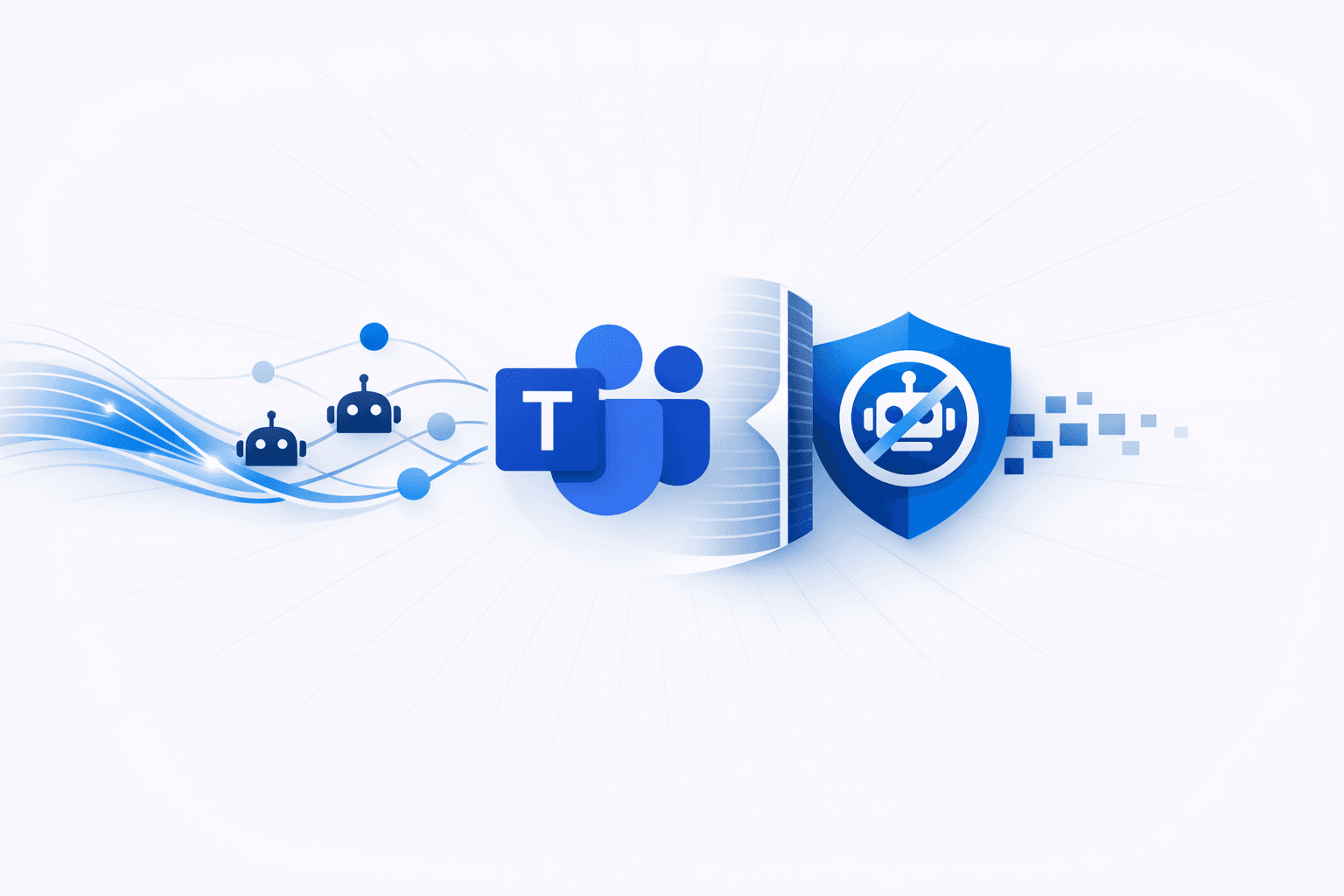
Microsoft has introduced a new Teams meeting protection policy that allows administrators to automatically block identified external bots from joining meetings, adding a stronger safeguard against unwanted third-party access. The feature builds on an earlier control that flagged suspected bots in the lobby and required organizer approval, and it is being rolled out in targeted release before broader availability. Microsoft said the setting will be off by default in the Teams admin center.
The new control is designed to reduce the risk that legitimate third-party bots or malicious applications could be used to monitor meetings, harvest sensitive information, or support social engineering and follow-on intrusion activity. Administrative options tied to the policy include ExternalBotAccessMode settings such as BlockDetectedBots, RequireApprovalWhenDetected, and AllowAllBots, reflecting Microsoft’s broader effort to curb abuse of Teams by attackers posing as IT or helpdesk staff to gain remote access and steal data.
See real exploitation activity before you spend the cycle.
6 events from the most recent confirmed update back to the earliest known activity.
Microsoft began rolling out the BlockDetectedBots Teams meeting policy to Targeted Release tenants in August. The setting lets administrators automatically deny detected external bots from joining meetings instead of relying on organizer approval in the lobby.
Microsoft said in June that it planned additional Teams admin controls, including policies to block external bots entirely, allow lists for approved bots, and reporting and audit logging for bot detection and presence.
In June, Microsoft introduced a Teams policy that tagged detected bots in the meeting lobby and required organizer approval before they could join.
Microsoft announced a new Teams meeting protection policy that lets administrators automatically block identified external bots from joining meetings, expanding the earlier approval-based control.
Microsoft warned in April that attacks abusing Teams for access and lateral movement on enterprise networks were increasing, including impersonation of IT or helpdesk staff in cross-tenant chats.
Microsoft said that since December, administrators have been able to block external Teams users through the Defender portal to help counter social engineering abuse of Teams.
Vulnerabilities, threat actors, malware, products, organizations, and breaches Mallory has linked to this story.
See real exploitation activity behind this advisory so you can triage it against everything else in the queue.
4 references tracked. Mallory keeps watching after this page renders.
techrepublic.com
Open sourcecryptika.com
Open sourcecybersecuritynews.com
Open sourcebleepingcomputer.com
Open sourceMap indicators from this story to your assets and identify affected systems in minutes.
Every observed campaign, victim, and pivot linked to actors named in this story.
Malware, exploits, and IOCs connected to the activity described here.
YARA, Sigma, and Snort rules deployed to your SIEM as soon as they’re published.
Get matching new stories delivered to your team as they break — not the next morning.
Ask questions about this story and take action on the answers.