
Findings
The Mallory Agent investigates across your environment and hands your team completed findings in one prioritized queue.
Every alert and case still needs someone to pivot across consoles, pull evidence, and confirm that a risk is actually a risk to your organization. Most of the day goes to that validation, and the queue is ordered by what fired.
Findings moves the investigation to the Mallory Agent. Your team starts from issues that are already investigated and prioritized, and spends its time remediating.
What a finding is
The Mallory Agent investigates across your environment and files a finding if the risk is real: one issue on one asset or entity, with the evidence behind it and the steps to remediate it. Examples include a security group that allows all inbound traffic from 0.0.0.0/0, an externally trusted IAM role with administrator permissions, or an actively exploited vulnerability verified in your environment.
A scanner reports a condition. A Mallory finding reports a condition the Mallory Agent has already investigated. Before an analyst looks at it, the agent has triaged the issue, gathered the evidence, and checked it against current threat intelligence, so the finding says how serious it is for your organization and why.
The agent works from everything Mallory sees: its own attack surface analysis, the sensors and integrations you connect, and intelligence such as a dark web sighting or a partner breach. That covers exploitable vulnerabilities, exposed misconfigurations, and intel issues alike. Whatever the source, the agent does the investigation and writes the finding.
You decide what the agent looks into, through Chat or the Agent Templates you run, and where each finding goes, by routing it to the team that owns the risk.
What changes for your team
Today, exposure validation is manual and every alert gets the same treatment until someone looks at it. With Findings, that work is done before an analyst opens the queue.
- Analysts start from completed investigations, so the hours that went to confirming risk go to remediating it.
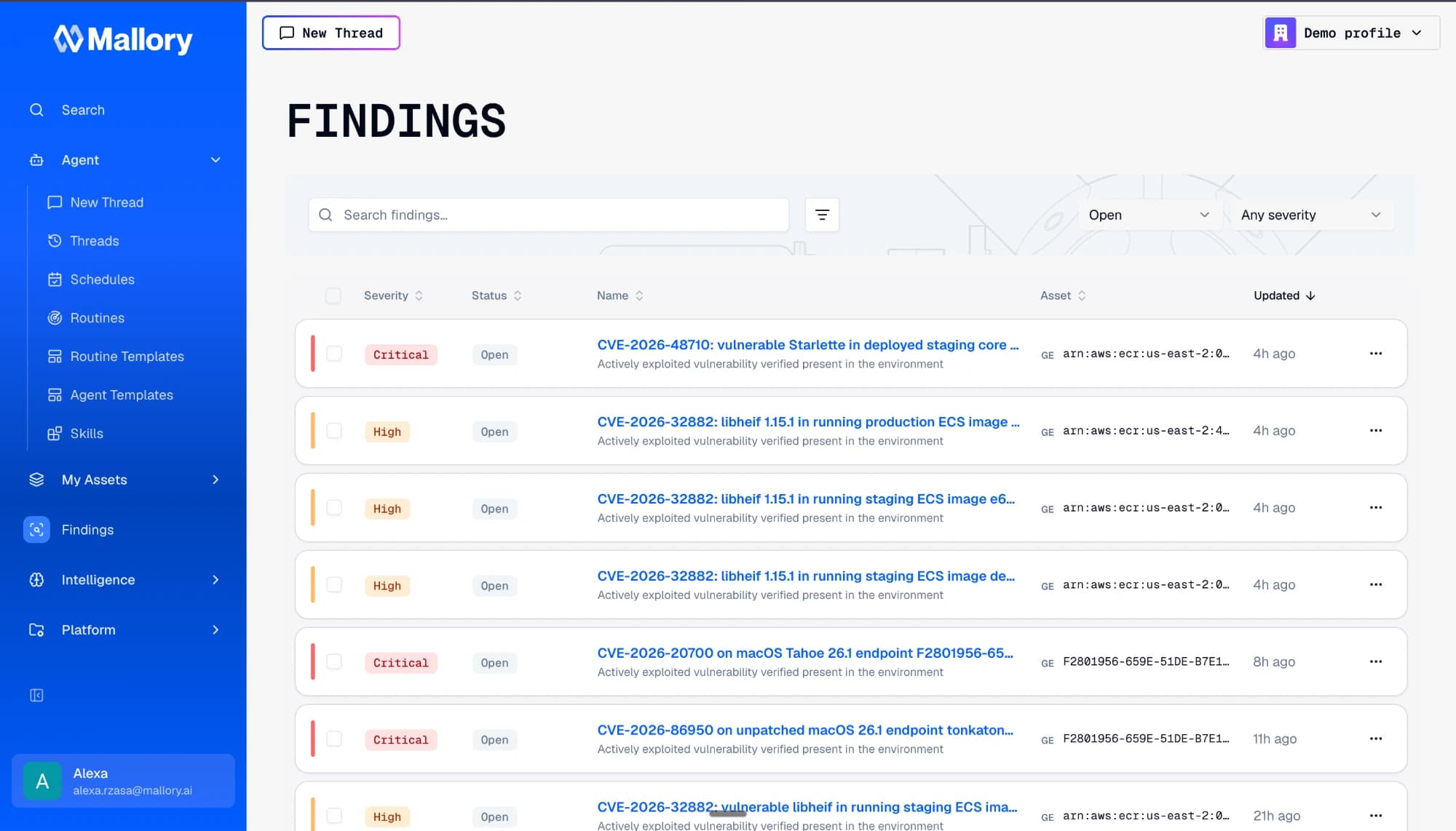
- The queue sorts and filters by severity, status, type, or asset, so the issues that matter surface first.
- Every finding records how it was resolved, including why it was dismissed, so the decision is still there a quarter later.
- Findings link to tickets in the system your team already works in, so remediation stays where it's tracked today.
How findings get created
From a conversation in Chat
Investigate a specific threat with the Mallory Agent in Chat, then ask it to generate a finding from what it found.
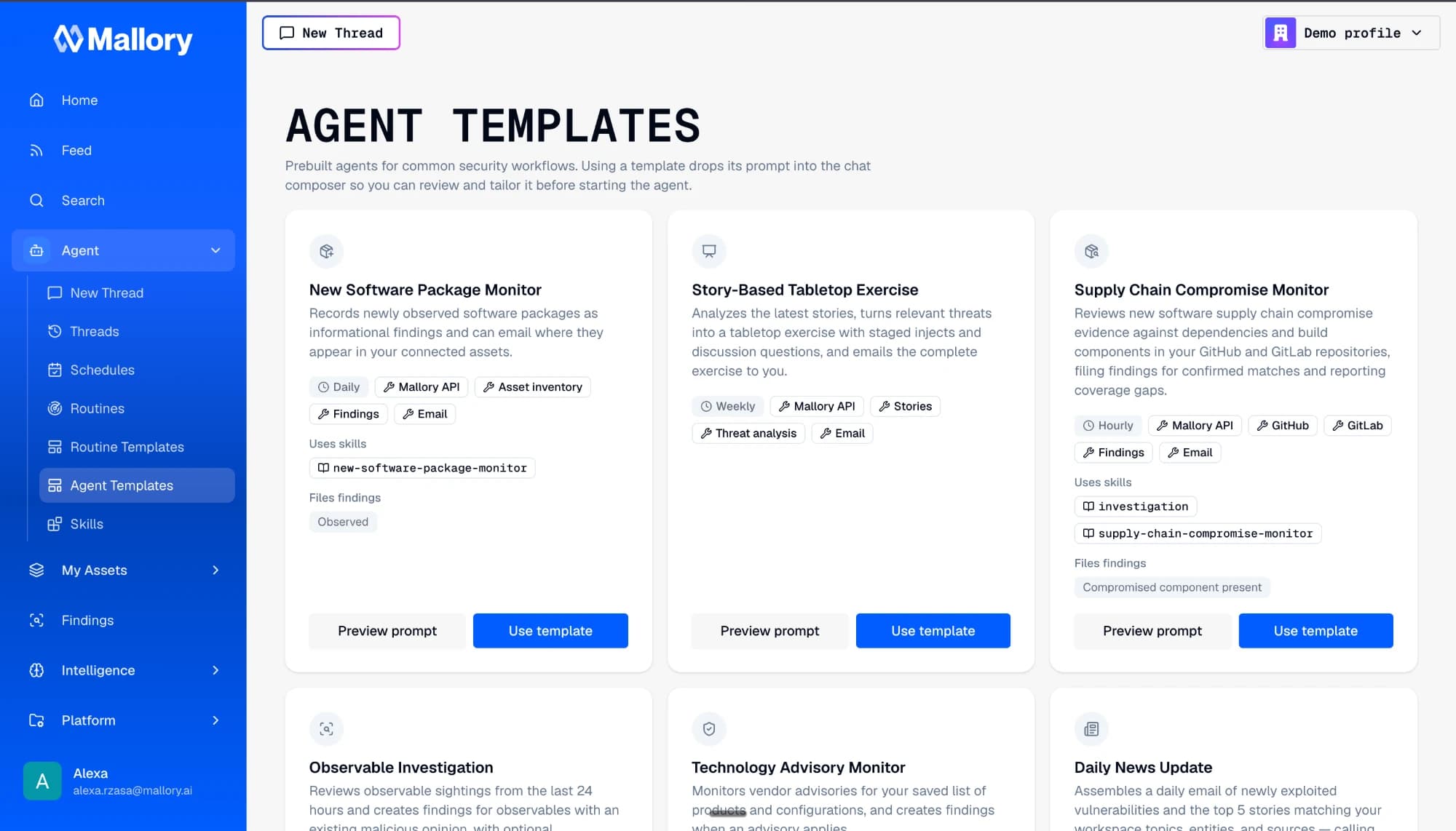
Automatically, with an Agent Template
Use an Agent Template with the finding prompt. Each run investigates and generates findings on its own, so completed work shows up in the queue without anyone asking for it.
What every Finding includes
Each finding shows its work, so an analyst can check the reasoning, confirm the call, and move straight to remediation.
- Type
- What kind of issue this is, drawn from the finding type catalog: the shared types Mallory maintains, plus any your team adds for conditions specific to your environment. Each type sets a default severity.
- Severity
- INFO through CRITICAL. The agent's call on how serious the issue is, based on the evidence it collected, the affected asset, and current threat intelligence. It can override the type's default.
- Summary
- What the issue is and where it exists.
- Evidence
- What the agent collected during the investigation to support that call.
- Intelligence
- The intel entities the finding resolved to, with current threat intelligence from Mallory.
- Context
- What your own environment says about the issue and why it matters to you.
- Remediation
- Steps specific to this issue, not a generic fix.
- Investigation
- A link back to the investigation that produced the finding.
- Status
- Open, fixed, or dismissed. A dismissal records the reason: false positive, accepted risk, not applicable, duplicate, fixed externally, or other.
- Linked tickets
- The tickets tracking remediation in Jira, Linear, GitHub, or ServiceNow.
An example
Take a GCP firewall rule that exposes SSH to the internet. The finding is tied to that rule, carries the severity the agent assigned, and holds the evidence it collected with a link back to the investigation. The remediation is specific: restrict the source range to your corporate or VPN ranges, or move access behind Cloud IAP. An analyst who picks it up next week can see what was found, how it was found, and what to do about it.
From Findings to remediation
When the fix belongs to another team, link the finding to a ticket in Jira, Linear, GitHub, or ServiceNow. Point to a ticket your team already opened, or hand the finding to the agent, which files the ticket in your tracker and links it back. Either way, the finding's context goes with the ticket.
When a batch of findings turns out to be the same story, close or dismiss them together from the list. Dismissing a finding records the reason, so the queue keeps a record of what your team decided and why.
Findings are also available through the Mallory API and remote MCP server, so Claude, Cursor, or any other MCP client can file a finding, raise its severity once an exposure is confirmed, close a batch, or attach the ticket you just opened.
Reference
| Created by | The Mallory Agent, from Chat or an Agent Template |
|---|---|
| Sources | Mallory attack surface analysis, connected sensors and integrations, and threat intelligence |
| Fields | Type, severity, summary, evidence, intelligence, context, remediation, investigation link, status, linked tickets |
| Statuses | Open, fixed, dismissed (with a recorded reason) |
| Severity | INFO through CRITICAL; default set per finding type, can be overridden at creation by the agent or through the API |
| Finding types | Shared catalog maintained by Mallory, plus your own custom types |
| Queue | Sort and filter by severity, status, type, or asset; full-text search; bulk close or dismiss |
| Ticketing | Jira, Linear, GitHub, ServiceNow; link an existing ticket or have the agent file one |
| Programmatic access | Mallory API and remote MCP server, with tools to list, get, create, and update findings and link tickets |
| Where it lives | Findings, in the main navigation |
| Availability | Frontier |
Start from a queue that's already investigated.
Connect a cloud account, run an investigation, and see what Mallory files.