
Loading story…
OpenAI has begun rolling out Computer History, an opt-in feature for the ChatGPT desktop app on macOS that records user interaction events including clicks, typing, keyboard shortcuts, app switches, and accessibility-exposed context to build a searchable timeline of activity across apps and websites. The capability is available to Pro, Business, and Enterprise users of ChatGPT Work and Codex, and is designed to let ChatGPT answer context-based questions and help locate files, documents, and conversations without relying on continuous screenshots, microphone capture, or system audio.
OpenAI said the feature stores interaction history locally for up to 48 hours and sends event data to its servers to generate memories, while stating that raw event files are not retained after processing unless legally required and are not used for model training. The company also warned that the local history files may contain sensitive information, are not encrypted, and can be accessed by other programs running under the same macOS user account; it further acknowledged increased prompt injection risk from malicious content embedded in websites or apps. Users can exclude apps and sites, pause collection, and delete local data, while Business and Enterprise deployments require admin approval and availability remains delayed or unavailable in the EEA, UK, and Switzerland.

Track how attackers are adapting to this technology.
2 events from the most recent confirmed update back to the earliest known activity.
OpenAI made the Computer History feature available in the European Union at the end of the previous week, and also enabled it in Switzerland, Norway, Iceland, and the United Kingdom. This expanded the macOS ChatGPT feature beyond the US and other previously supported regions.
OpenAI launched an optional, opt-in Computer History feature for the ChatGPT desktop app on macOS for Pro, Business, and Enterprise users. The feature records interaction events such as clicks, typing, shortcuts, and app switches to build a searchable timeline and memory of user activity without continuous screenshots.
Vulnerabilities, threat actors, malware, products, organizations, and breaches Mallory has linked to this story.
Follow how adversaries are adapting to this technology, and where it touches your stack today.
7 references tracked. Mallory keeps watching after this page renders.
heise.de
Open sourcehelpnetsecurity.com
Open sourcezdnet.fr
Open sourcezdnet.com
Open sourcetheregister.com
Open sourcethenewstack.io
Open sourcelearn.chatgpt.com
Open sourceMap indicators from this story to your assets and identify affected systems in minutes.
Every observed campaign, victim, and pivot linked to actors named in this story.
Malware, exploits, and IOCs connected to the activity described here.
YARA, Sigma, and Snort rules deployed to your SIEM as soon as they’re published.
Get matching new stories delivered to your team as they break — not the next morning.
Ask questions about this story and take action on the answers.
Other stories Mallory is tracking that overlap on entities, sources, or topic labels.
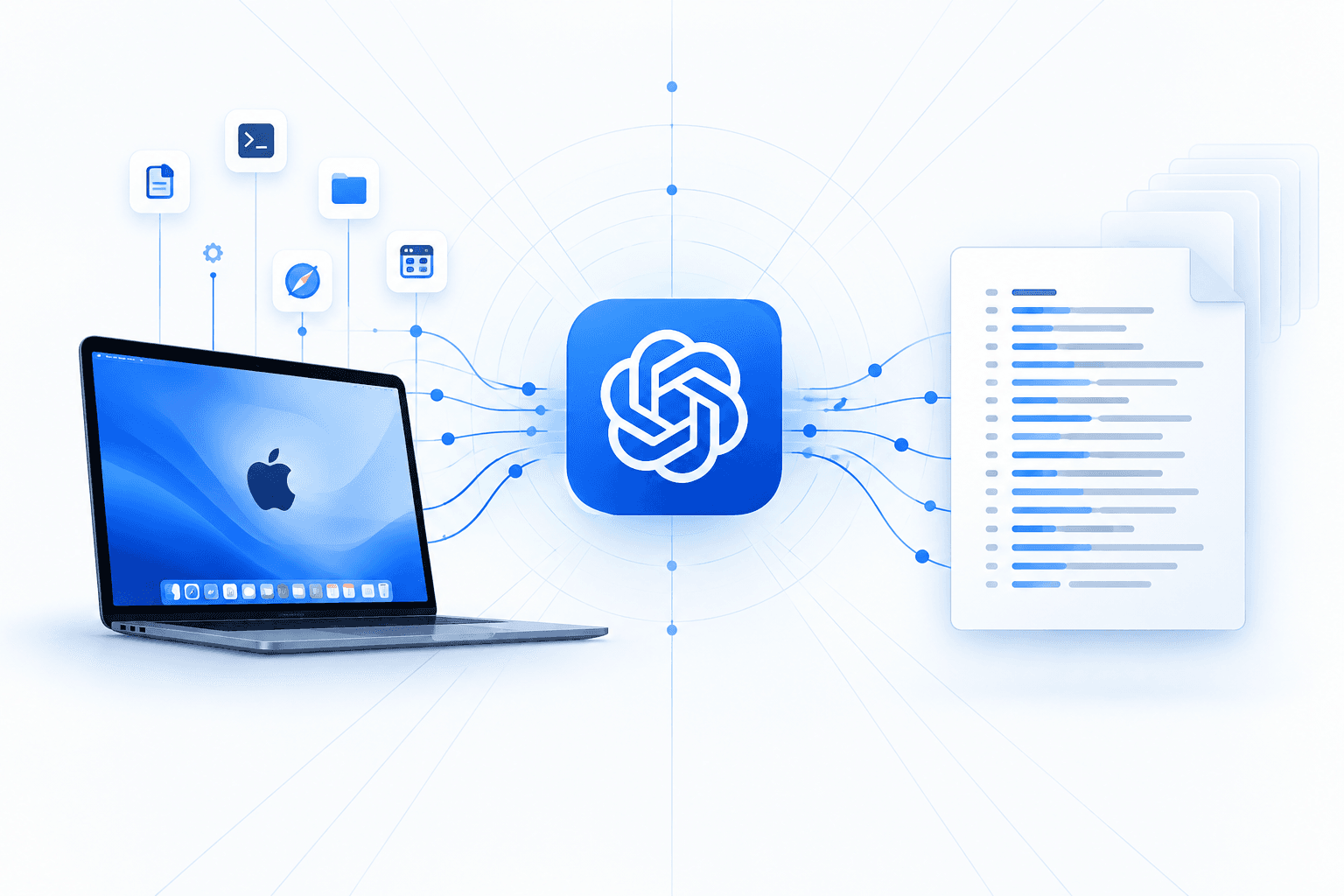
OpenAI’s opt-in **Computer History** feature in the ChatGPT for Mac app uses macOS Accessibility permissions to collect visible text and interaction data—including window titles, typed input, clicks, and application switches—and turn it into diary-like Markdown summaries for contextual assistance and automation. Unlike screenshot-based activity-recording tools, it captures text elements exposed by the operating system; raw events remain local for up to 48 hours before summaries are written to an application-accessible local directory and can be incorporated into ChatGPT conversations. The plaintext summaries may expose sensitive work activity to anyone with local access to the Mac or to macOS-focused infostealer malware, while summaries used in chats can also be retained on OpenAI servers under normal chat and memory policies. Organizations should disable the feature for sensitive roles or tightly scope it, exclude private applications and websites, and enforce strong device login controls and full-disk encryption.
Sep 10, 2026
OpenAI introduced **Lockdown Mode** and **Elevated Risk** labels in *ChatGPT* to reduce exposure to **prompt injection** and related data-exfiltration risks when AI features interact with external systems. Lockdown Mode is positioned as an optional, advanced setting for higher-risk users and environments (notably *ChatGPT Enterprise*, *Edu*, *for Healthcare*, and *for Teachers*) that restricts tool access and limits how ChatGPT can reach outside systems; reported controls include disabling or constraining capabilities attackers could abuse via conversations or connected apps, and limiting browsing so that no live network requests leave OpenAI-controlled infrastructure (with browsing constrained to cached content). Admins can enable the setting via workspace controls and apply additional restrictions through dedicated roles, while Elevated Risk labels provide in-product warnings and guidance for features that increase risk when connecting to apps or the web, including across *ChatGPT*, *ChatGPT Atlas*, and *Codex*. Separate research highlighted how AI assistants with web-browsing/URL-fetching features can be abused as stealthy **command-and-control (C2) relays**, demonstrating a technique against **Microsoft Copilot** and **xAI Grok** that tunnels operator commands and victim data through legitimate AI web interfaces and can work without an API key or registered account. In parallel, the **European Parliament** reportedly disabled built-in AI tools on lawmakers’ work devices due to cybersecurity and privacy concerns about uploading sensitive correspondence to third-party cloud AI providers and uncertainty about what data is shared and retained. Other referenced material focused on general productivity customization of ChatGPT via “Custom Instructions,” rather than a specific security event or disclosure.
Jun 29, 2026
OpenAI has begun rolling out **Lockdown Mode** for ChatGPT accounts as an optional security setting designed to reduce data exfiltration risk from prompt-injection attacks. The feature is available for eligible personal users across Free, Go, Plus, Pro, and self-serve ChatGPT Business plans, with reporting also indicating availability for managed enterprise workspaces. When enabled, it restricts or disables capabilities that create outbound paths to external services, including live web browsing, image retrieval or support, deep research, agent mode, Canvas networking approvals, and external file downloads. OpenAI said the control is intended for people handling sensitive data, but warned it does **not** prevent prompt injections from reaching model context, stop manipulated responses, or guarantee complete prevention of data leakage. The company added that Lockdown Mode cannot be used at the same time as Developer Mode and does not change memory, file upload, or conversation-sharing behavior. For enterprise use, OpenAI said protection also depends on administrator controls such as **RBAC**, trusted app settings, and connector permissions, while residual risk remains through third-party apps, feature combinations, and emerging attack techniques; it also introduced session-management tools so users can review active ChatGPT sessions and sign out of individual or all sessions if suspicious activity is detected.
Jun 29, 2026