VS Code Workspace Trust Bypass Enables Persistent Malicious Extension Installation
Supply Chain Risk · 3 sources · Updated 2mo ago · First seen Sep 17, 2026
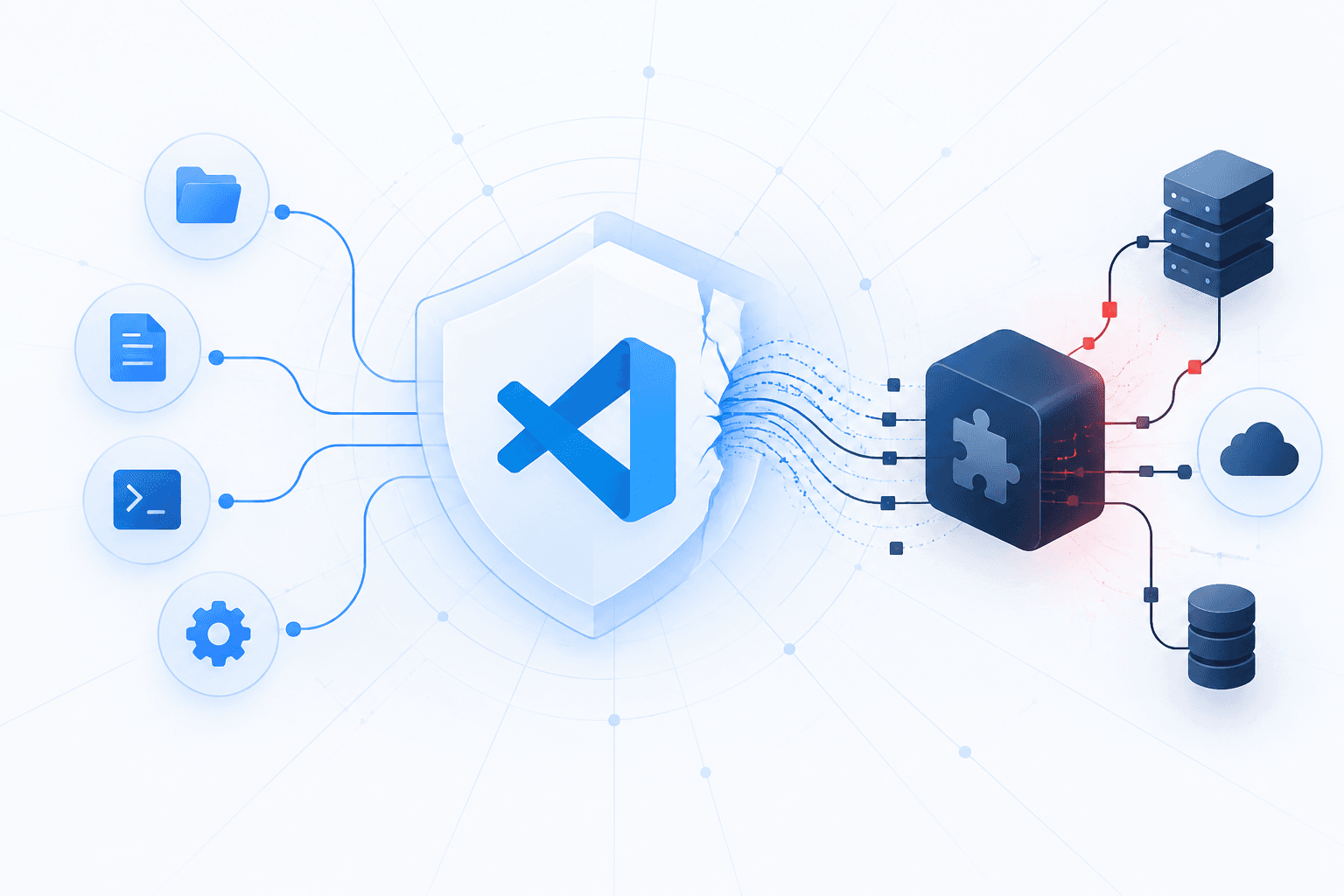
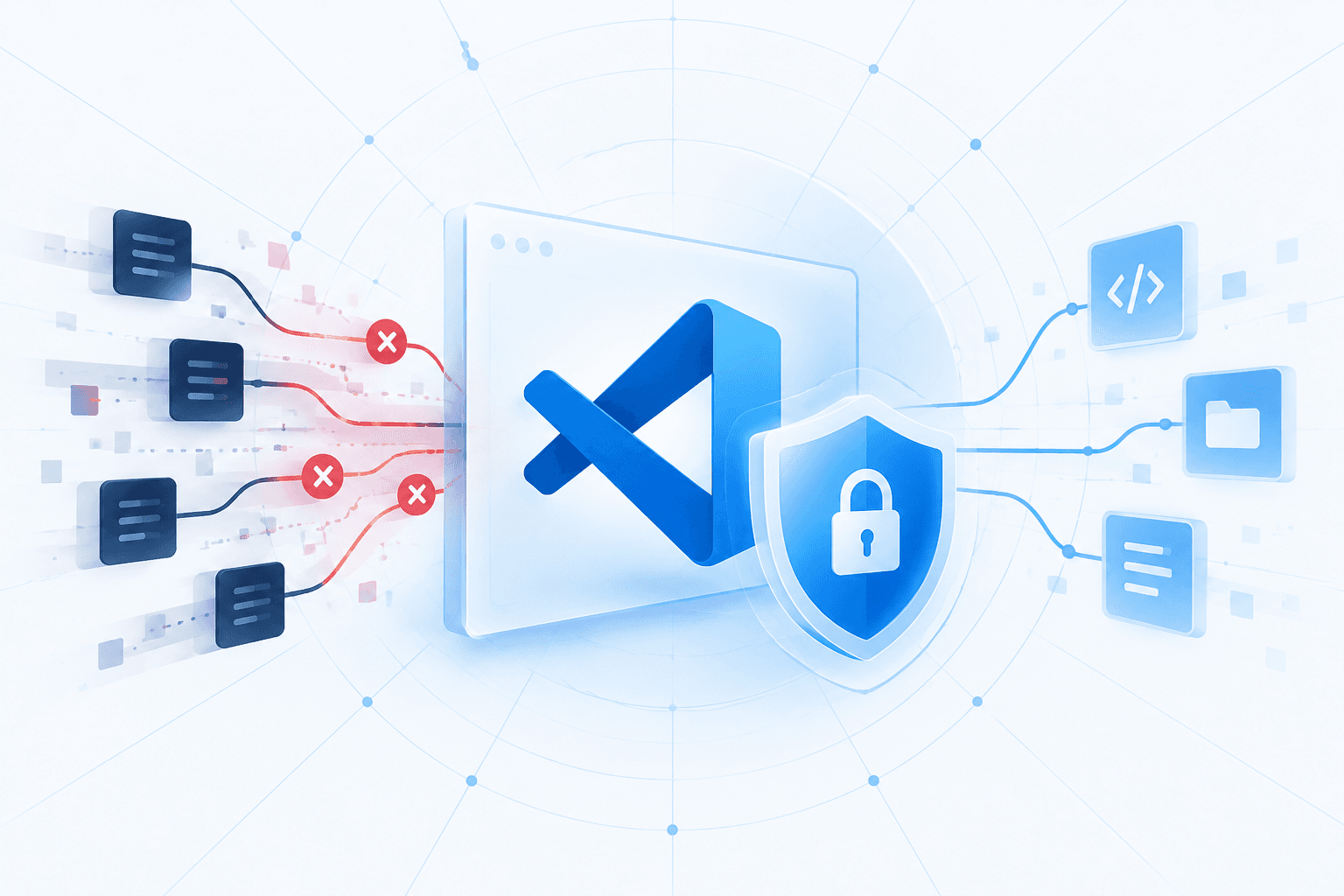
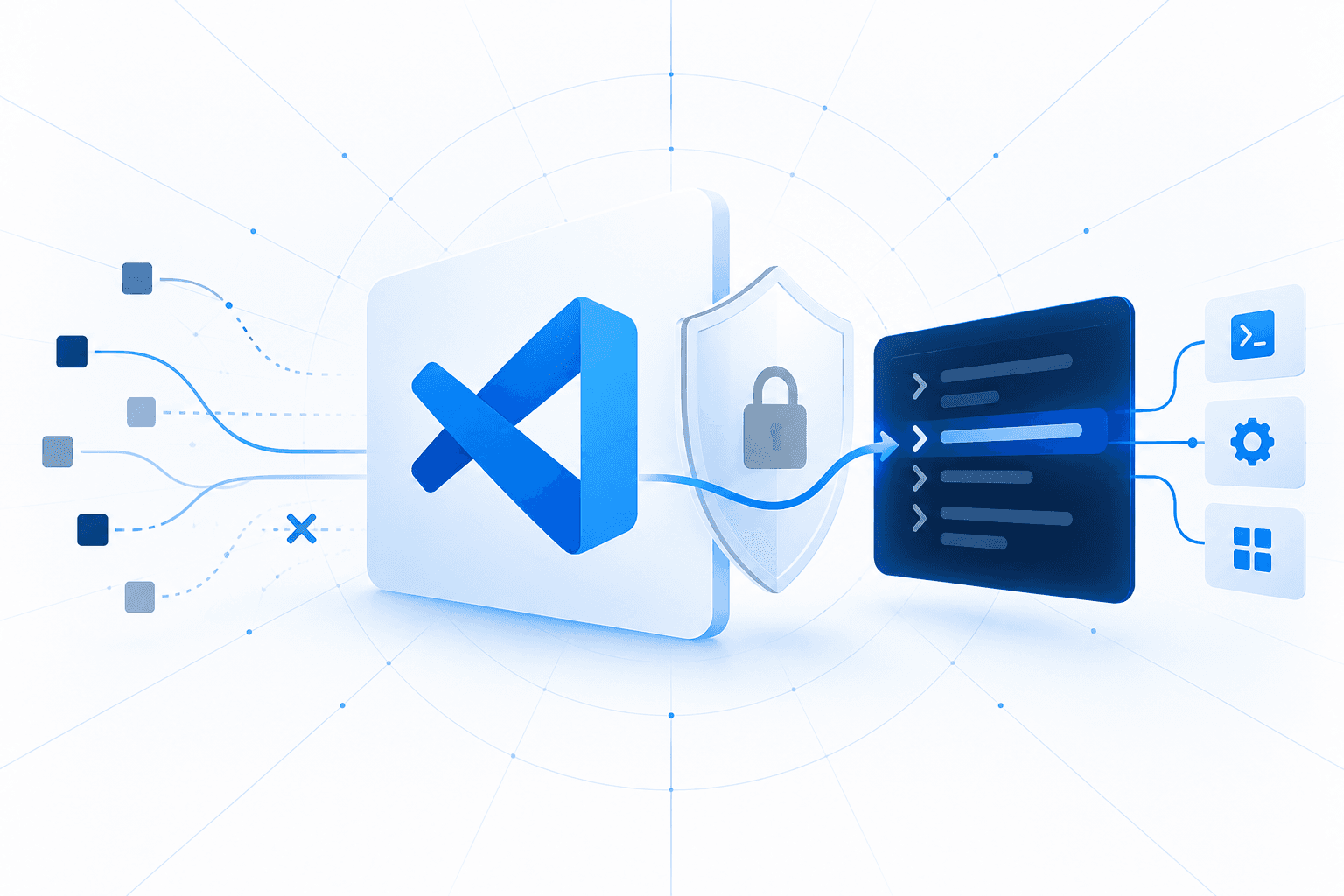
Researchers reported a Visual Studio Code Workspace Trust and Restricted Mode bypass in which a malicious repository can use a crafted command: link to invoke the internal workbench.extensions.installExtension command. If a developer Ctrl-clicks the link in VS Code’s raw source editor, the chain can install a local malicious .vsix package, activate it immediately, and persist across subsequent VS Code launches; the reported issue is that local VSIX packages are accepted without signature or publisher validation.
A malicious extension can execute JavaScript or TypeScript with the logged-in user’s privileges, putting developer files, credentials, and software-delivery infrastructure at risk. Organizations should keep Workspace Trust enabled, instruct developers not to open links in unfamiliar repositories, review installed extensions, and centrally restrict extension installation where possible. Disabling editor link detection with "editor.links": false is a temporary mitigation while command-link handling and extension-install controls are assessed.