
Loading story…
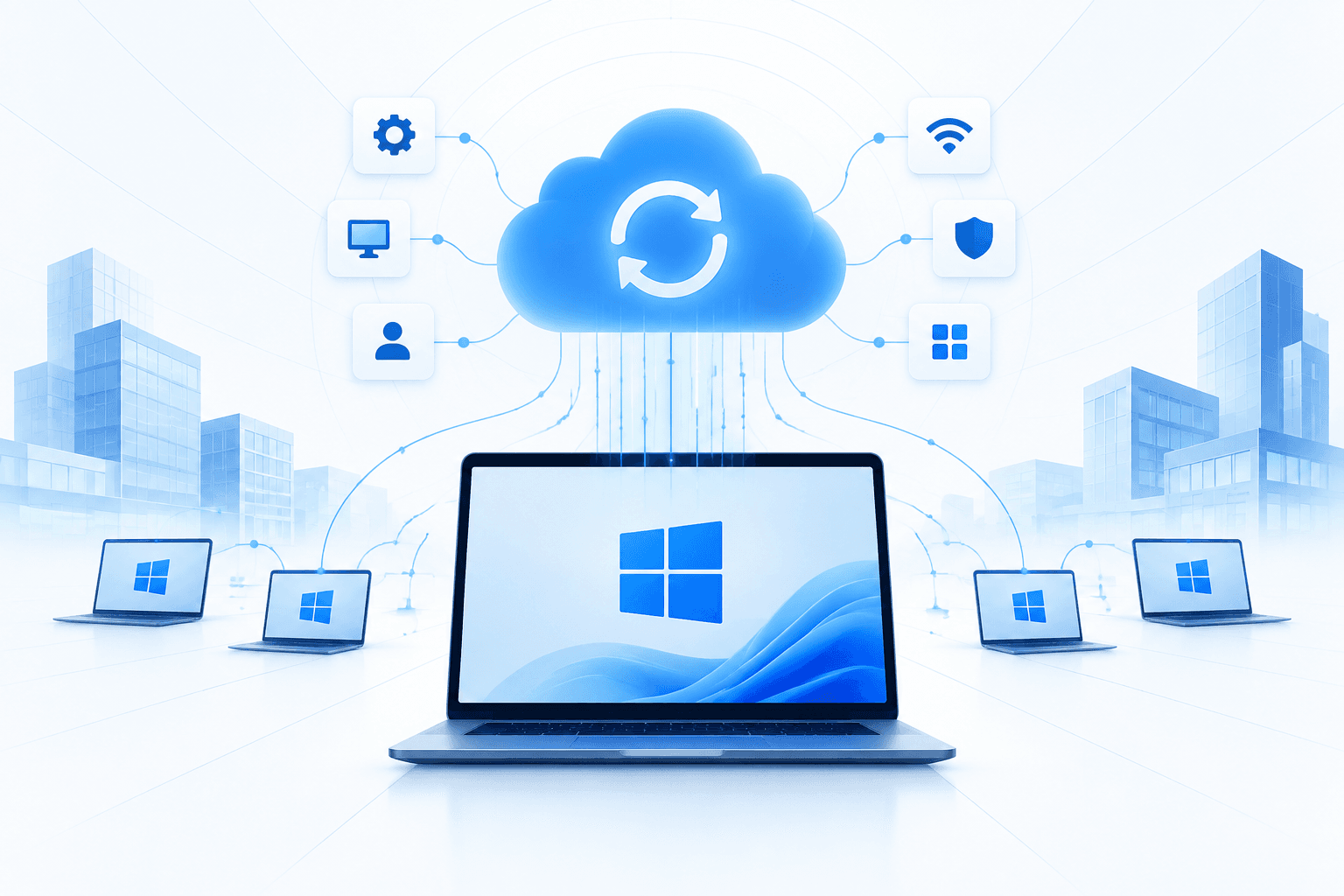
Microsoft has enabled Windows Backup for Organizations by default for eligible Microsoft Entra-joined and hybrid-joined devices upgraded to Windows 11 version 26H2. The service preserves users’ Windows settings and Microsoft Store app lists, allowing the data to be used following device resets, replacements, upgrades, or reimaging. The change expands the organizational Windows Backup capability Microsoft introduced in 2025.
The default applies only when administrators have not explicitly configured the relevant policy; existing enablement or disablement settings override it. Devices in EU Digital Markets Act-regulated regions and sovereign or restricted cloud environments are excluded. Restoration is not automatically enabled and still requires administrators to explicitly configure a restore policy, leaving organizations responsible for assessing data-handling, regional-compliance, and endpoint-management implications.
See real exploitation activity before you spend the cycle.
5 events from the most recent confirmed update back to the earliest known activity.
Microsoft made the feature generally available; it was subsequently known as Windows settings backup.
The enterprise backup feature entered public preview as a tool to preserve Windows settings and Microsoft Store app lists.
Microsoft introduced Windows Backup for Organizations as an opt-in capability that was disabled by default at its Ignite event.
Microsoft enabled the Windows settings backup policy by default for eligible Entra-joined and hybrid-joined devices upgraded to Windows 11 26H2 where administrators had not explicitly set the policy. The default excludes EU Digital Markets Act-regulated regions and sovereign or restricted cloud environments; restoration remains administrator-controlled.
Windows 11 version 26H2 was released, providing the upgrade condition for eligible Entra-joined and hybrid-joined enterprise devices to receive the new backup-policy default.
See real exploitation activity behind this advisory so you can triage it against everything else in the queue.
2 references tracked. Mallory keeps watching after this page renders.
Map indicators from this story to your assets and identify affected systems in minutes.
Every observed campaign, victim, and pivot linked to actors named in this story.
Malware, exploits, and IOCs connected to the activity described here.
YARA, Sigma, and Snort rules deployed to your SIEM as soon as they’re published.
Get matching new stories delivered to your team as they break — not the next morning.
Ask questions about this story and take action on the answers.
Other stories Mallory is tracking that overlap on entities, sources, or topic labels.
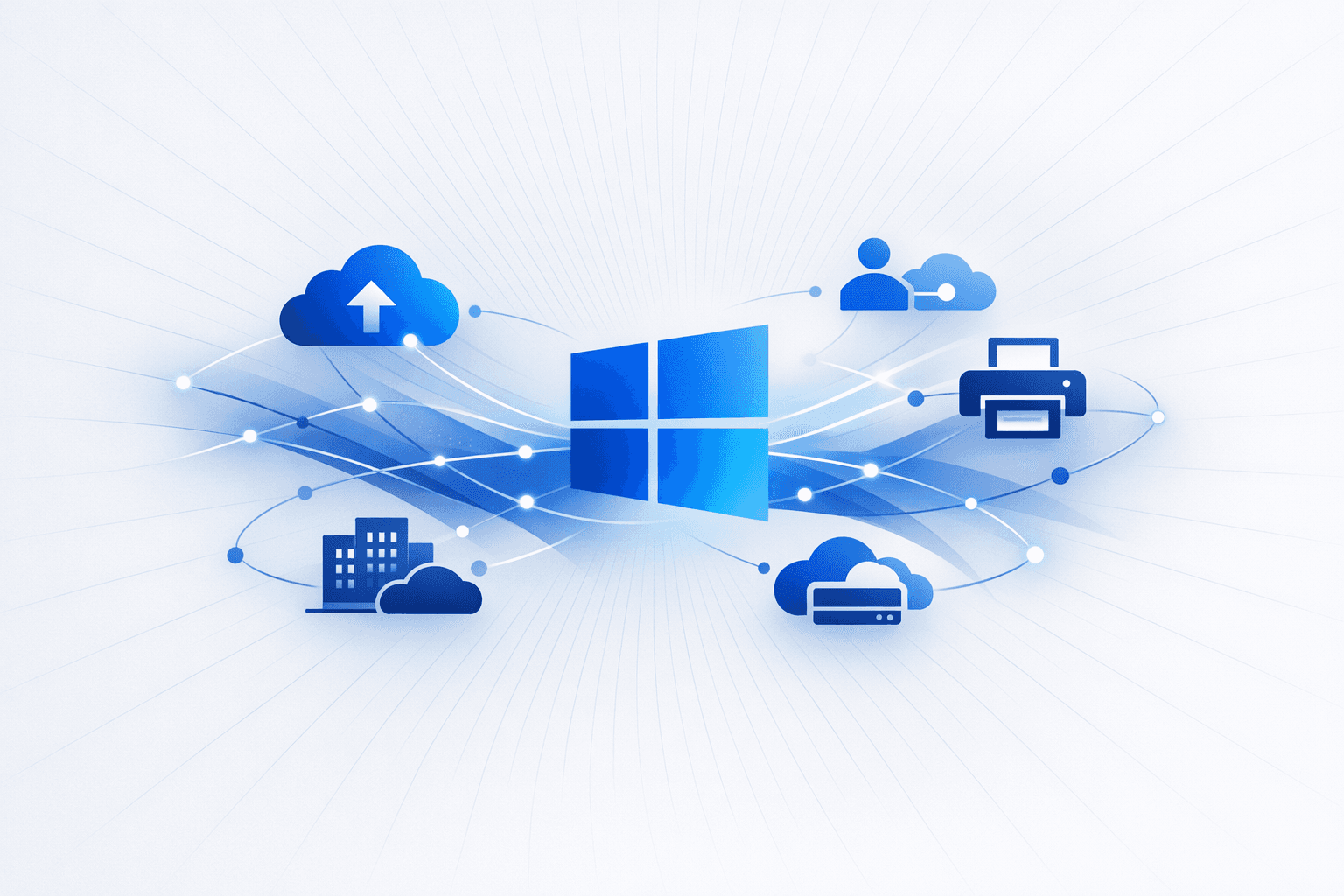
Microsoft expanded the *Windows Backup for Organizations* “first sign-in restore” experience in Windows 11, allowing more enterprise users to restore prior device settings and their Microsoft Store app list when signing into a new or reimaged device with a Microsoft Entra ID account. The capability, previously limited to Entra-joined devices, now also supports **hybrid-managed environments**, **multi-user device setups**, and **Windows 365 Cloud PCs**, and can be managed via existing policies using **Microsoft Intune** or **Group Policy**. Microsoft also clarified that Windows 11 is **not** ending support for legacy **V3 and V4 printer drivers**, after an inaccurate Windows Roadmap entry suggested those drivers would no longer be supported. The company stated that existing printers and already-installed drivers will continue to work, and existing Windows Update-hosted drivers remain available; the actual change is that **new V3/V4 driver submissions to Windows Update are blocked by default** and now require **case-by-case approval** for Windows 11 and Windows Server 2025 and later, while vendors can still distribute drivers through their own installers.
Jun 29, 2026
Microsoft has announced significant enhancements to Windows 11 and Windows Server 2025, including the native integration of Sysmon, a powerful system monitoring tool previously available only as a standalone Sysinternals utility. With this integration, administrators will be able to deploy and manage Sysmon directly through Windows features and updates, simplifying large-scale monitoring and threat detection. Sysmon's advanced event filtering and custom configuration capabilities will remain intact, enabling organizations to monitor for suspicious activity, process tampering, and other security-relevant events without the need for separate installations. In addition to Sysmon integration, Microsoft introduced two new recovery features for Windows 11: Cloud Rebuild and Point-in-Time Restore (PITR). These tools are designed to minimize downtime and streamline recovery from system failures or problematic updates. PITR allows users and IT administrators to quickly roll back systems to healthy snapshots, restoring not only the OS but also local files and applications. Cloud Rebuild enables remote, cloud-based reinstallation of Windows 11, leveraging Intune and Autopilot for zero-touch provisioning and rapid restoration of user data and settings. Both features are set to be integrated with Microsoft Intune, providing enterprise admins with robust, remote recovery and remediation capabilities.
Jun 29, 2026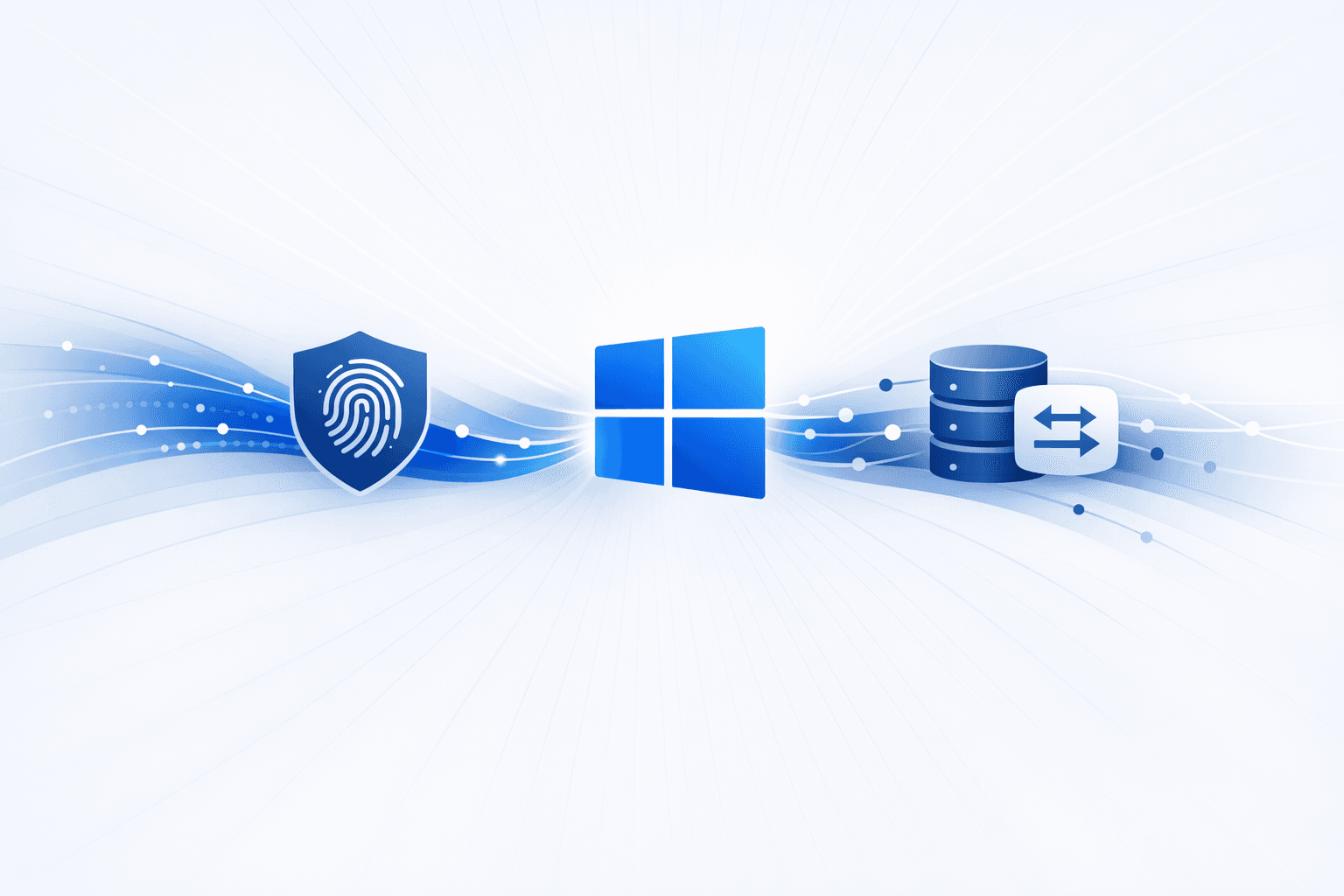
Microsoft released the optional Windows 11 preview cumulative update **KB5101684** for versions **24H2** and **25H2**, moving systems to builds `26100.8973` and `26200.8973` and delivering **42 fixes and feature changes** ahead of the next Patch Tuesday rollout. Among the most notable security-related additions, the update extends **Windows Hello Enhanced Sign-in Security (ESS)** to **external fingerprint readers**, broadening biometric protection beyond devices with built-in sensors, and adds an option to uninstall the **Image Generation AI model**. Microsoft is distributing some of the new capabilities gradually through **Controlled Feature Rollout**, so availability may vary by device. The release also fixes several enterprise-impacting Windows issues, including **false invalid-credential errors** during **File History** backups to **SMB** shares, **MDM-enrolled** devices incorrectly remaining marked as noncompliant after enrollment, and **DFS mapped-drive** files being mislabeled as files from the Internet. Additional changes include improved **Windows Search**, **File Explorer** updates, **precision touchpad gesture** controls, **Voice Access** enhancements such as speech filtering and Korean support, and revised update progress reporting; Microsoft said it is not aware of any known issues in KB5101684.
Jul 30, 2026