Mallory
← Back to News
ai-platform-securityendpoint-software-vulnerability

Claude Code VS Code Extension Prompts Can Hide Symlink Access Outside Workspaces

Emerging Technology Risk · 2 sources · Updated 23h ago · First seen Nov 16, 2026
Claude Code VS Code Extension Prompts Can Hide Symlink Access Outside Workspaces

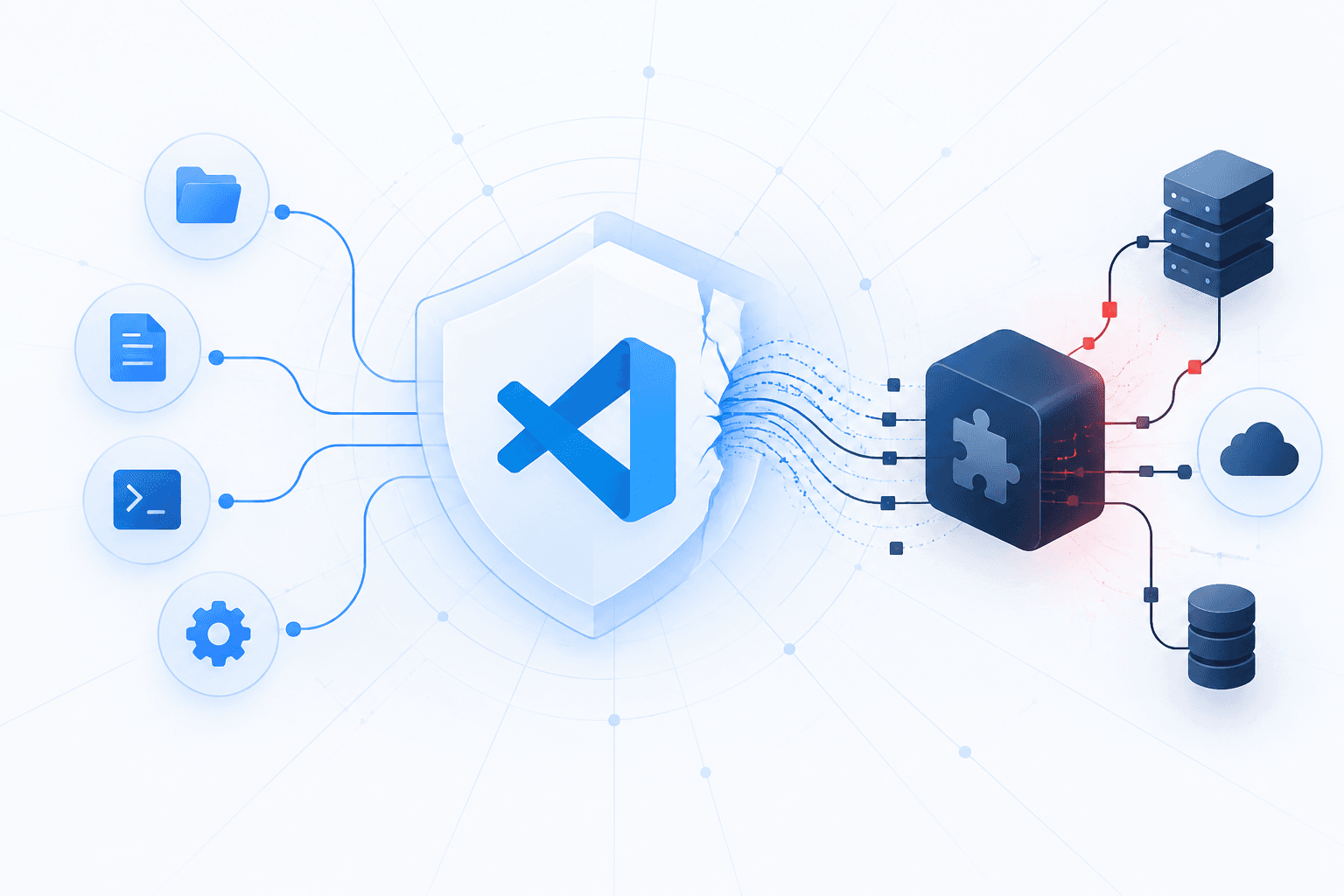
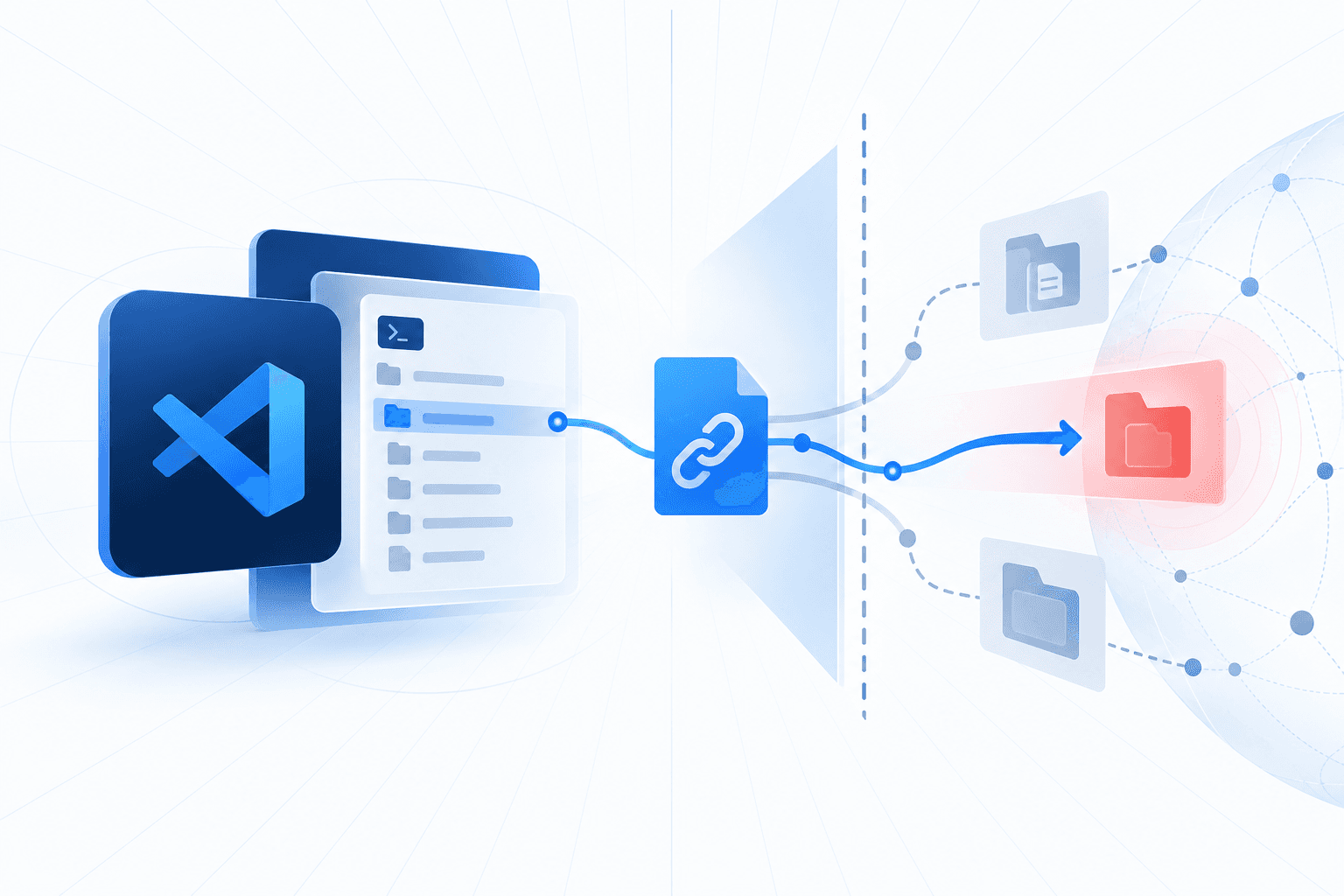
Ultrastrike researchers reported that Anthropic’s official Claude Code extension for Visual Studio Code can display misleading permission prompts when workspace symlinks point to files outside the trusted workspace. In version 2.1.322, prompts show the apparent workspace path rather than the resolved destination, potentially leading users to approve access to sensitive files, including SSH keys, without recognizing the actual target. Exploitation depends on available symlinks and could involve a malicious or manipulated agent; the reports do not establish active exploitation.

Anthropic closed the disclosure as informative, stating that workspace contents—including symlinks—are trusted and that the displayed path is not part of its security control. A similar issue in the Claude Code command-line tool was reportedly fixed, but no extension patch was available at publication. Ultrastrike recommends resolving requested paths to their actual destinations before approving access and inspecting repositories for unexpected symlinks after synchronization.

New surface, new adversariesTrack how attackers are adapting to this technology.
Track this risk
Event timeline

How this story unfolded

Events from the most recent confirmed update back to the earliest known activity.

5 events · May 2026 – Nov 11, 2026
  1. Reported Nov 16, 20261d ago

    Anthropic closes the extension report as informative

    Anthropic declined to classify the extension behavior as a security issue, stating that opened workspace contents, including symlinks, are trusted and that displayed prompt text is not part of the security control. Ultrastrike disputed that position and said the public program guide did not document the symlink exclusion.

    Researchers Reveal How Claude Code VS Code Extension Can Access Files Outside Trusted Workspaces
  2. Reported Nov 16, 20261d ago

    Ultrastrike reports the VS Code extension issue to Anthropic

    Ultrastrike researcher Carl Pearson submitted a finding through Anthropic's HackerOne program showing that the Claude Code VS Code extension could conceal external symlink destinations in file-permission prompts.

    Researchers Reveal How Claude Code VS Code Extension Can Access Files Outside Trusted Workspaces
  3. Reported Nov 16, 20261d ago

    Anthropic reportedly fixes symlink-path disclosure in Claude Code CLI

    Adversa AI said Anthropic quietly fixed the command-line behavior several weeks after initially classifying it as not a security issue. The CLI reportedly began displaying resolved file locations and warning when symlinks led outside trusted directories.

    Researchers Reveal How Claude Code VS Code Extension Can Access Files Outside Trusted Workspaces
  4. Nov 11, 20267d ago

    Pearson publicly details the unpatched VS Code extension behavior

    Pearson published a demonstration in which a write through a ./helpdocs symlink appeared to target the workspace while actually targeting an external location. He reported that version 2.1.322 still concealed symlink destinations; Ultrastrike recommended resolving requested paths with realpath and checking repositories for unexpected symlinks.

    Researchers Reveal How Claude Code VS Code Extension Can Access Files Outside Trusted Workspaces
  5. May 2026

    Adversa AI discloses misleading symlink prompts in Claude Code CLI

    Adversa AI published research showing that Claude Code's command-line permission prompts displayed symlink paths rather than their actual destinations. Its demonstration showed ./link/passwd for a file resolving to /etc/passwd.

    Researchers Reveal How Claude Code VS Code Extension Can Access Files Outside Trusted Workspaces
Do you run this?Follow how adversaries are adapting to this technology, and where it touches your stack today.
Track This Risk
Mallory platform

See the full picture, correlated to your attack surface.

This page covers what’s public. Mallory adds the parts that aren’t: which of your assets are affected, which threat actors are using it right now, and what to deploy next.

Exposure mappingMap indicators from this story to your assets and identify affected systems in minutes.
Threat actor evidenceEvery observed campaign, victim, and pivot linked to actors named in this story.
Associated malwareMalware, exploits, and IOCs connected to the activity described here.
Detection signaturesYARA, Sigma, and Snort rules deployed to your SIEM as soon as they’re published.
Scheduled alertsGet matching new stories delivered to your team as they break, not the next morning.
AI threadsAsk questions about this story and take action on the answers.